Log of Patient's Sittings, Real Time Update of Information
All information you record is confidential. It can be viewed only by the respective trainer and the main CARE administrator.
You have recently been assigned a person to introduce/support through the CARE Program.
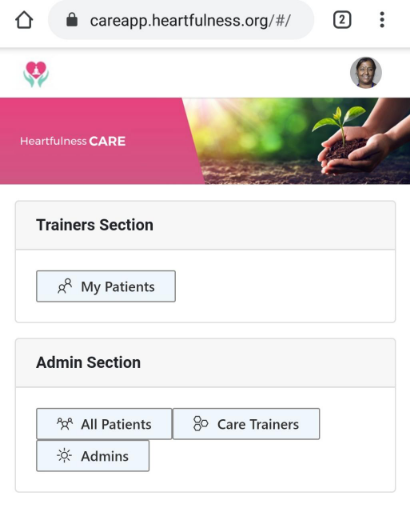
We have built a CARE App to ensure that all information is captured and current. It is not an App that you download, but a website that you have to go to. It is very easy to use and all the steps are outlined below. By using this you don't have to send the CARE team any individual reports. It helps us keep track, and also aids in extracting information very easily when Daaji needs it or when we have to make any presentations to institutions and doctors.
Please update information about the people referred through the CARE Program. Also add patients who have contacted you individually, that is, those who have not been referred by the CARE team and who you have introduced (existing abhyasis, family, friends) and/or are currently supporting.
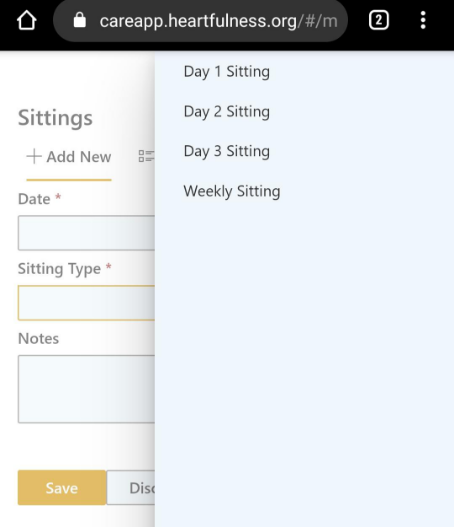
The following are the instructions. Please be diligent about updating sitting details; it’s very easy and quick to update a sitting date.
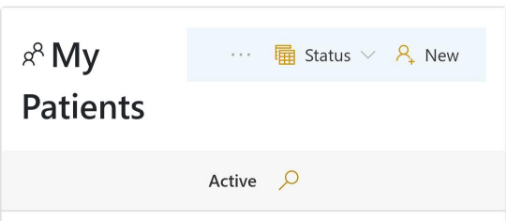
Enter all the details – only the starred fields are mandatory. You do not have to ask the patient for any personal details if you don’t have them.
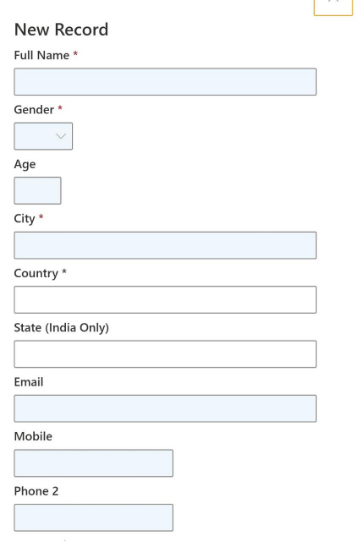
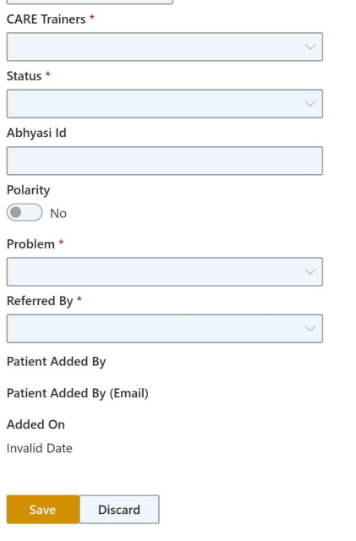
Description of all the fields is as follows:
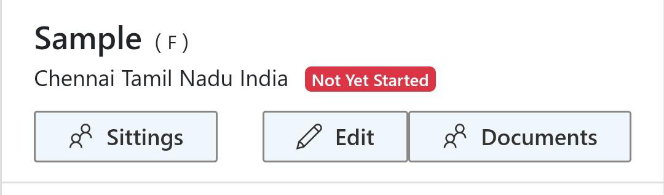
Status: Active, Discontinued or Expired (Create a record as soon as you are assigned a referral and select 'Active'. It will show as 'Not yet started' until the first sitting is given. This will help us understand how many actually start.)
Abhyasi id: Patient, if already an abhyasi, their id. For new seekers, leave blank.
Problem: Cancer, Mental Health or Other.
Referred by:
HFN New (new seeker)
HFN Abhyasi (already an abhyasi)
Luke (referred by Luke and team)
Other Medical Professionals (On selecting this, another mandatory field opens. Here you need to add the name of the referring doctor or therapist.)